Piano Kids - Music & Songs
Orange Studios Games
A bright Android music app that mixes instrument play, songs, and kid-friendly learning
The app is built from a few simple modes that all revolve around tapping, listening, and repeating. That structure keeps the experience accessible for young players while giving parents a sense of what each session will contain.
Download Piano Kids - Music & Songs
| Category | Music |
| Installs | 100,000,000+ |
| Version | 3.70 |
| Updated | Apr 30, 2026 |
About this game
Game Overview
Piano Kids - Music & Songs is a free Android music app from Orange Studios Games, built around very simple touch-based play for children and parents. It is less a traditional game than a music box with structured activities: players tap colorful instruments, follow along with songs, and explore sound-based mini activities. The app leans on bright, child-oriented presentation and real instrument sounds rather than complexity, which makes it easy to pick up on a phone or tablet. Its loop is straightforward: choose a mode, make sounds, repeat songs, and move between short activities that mix music with basic learning. With over 100 million installs and more than 722,000 ratings, it has clearly reached a wide audience, though the appeal is aimed squarely at younger users and family play.
Core Gameplay Features
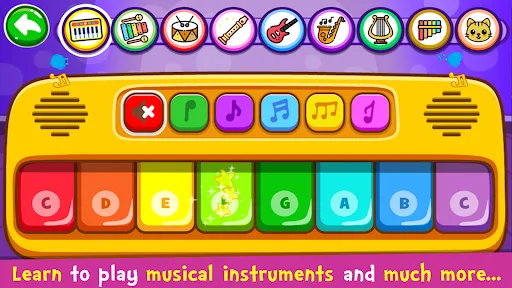
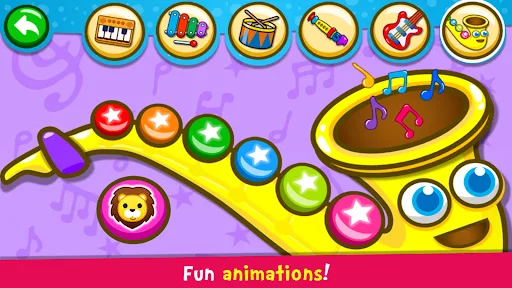
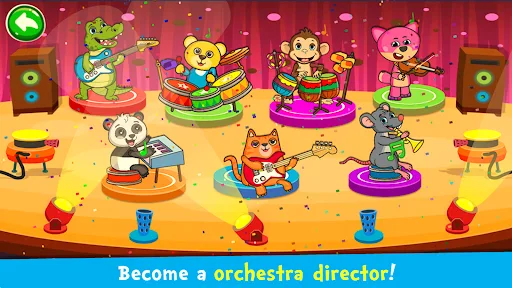
- Instrument Play Players tap on instruments such as piano, drums, saxophone, flute, trumpet, guitar, harp, and xylophone. The appeal comes from immediate sound feedback and freeform melody making.
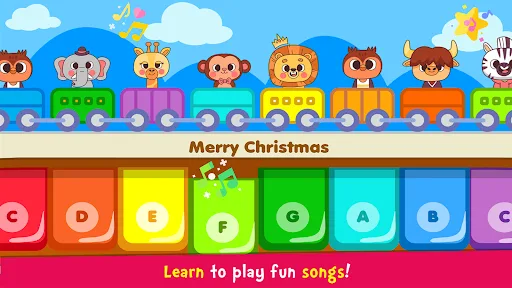
- Song Learning The songs mode includes an auto-play option that demonstrates melodies before the player follows along. It turns songs into a guided repetition exercise rather than open-ended performance.
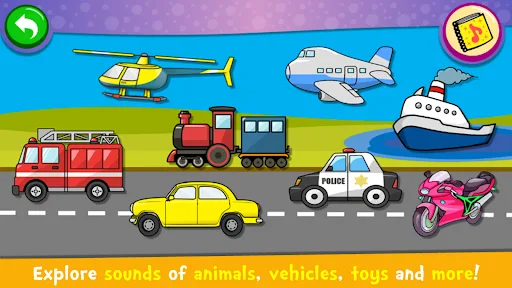
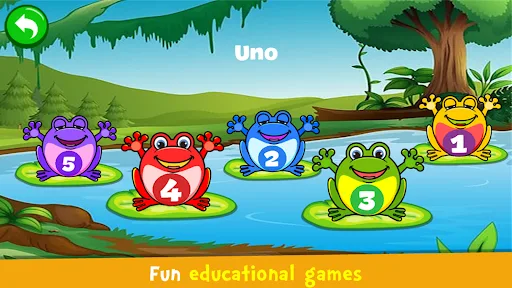
- Sound Exploration A separate sounds mode focuses on objects and their audio cues, along with pronunciation practice for colors, numbers, letters, and related words in several languages.
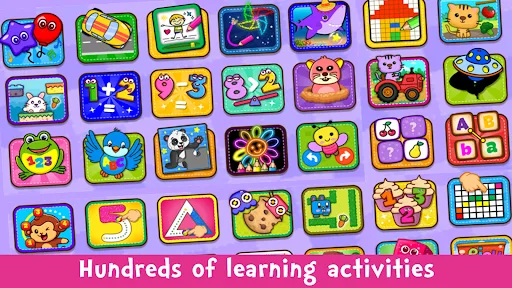
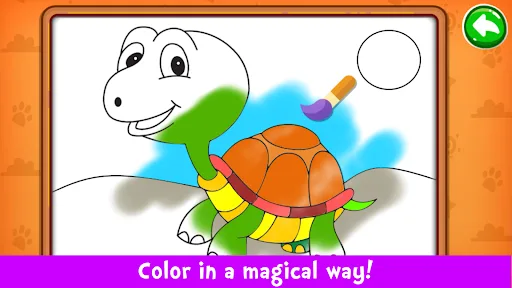
- Kids Mini-Games The games mode adds puzzles, drawing, coloring, pixel art, memory play, and simple learning tasks tied to music and sounds. It broadens the app beyond instrument tapping without changing its casual pace.
- Family-Friendly Interface The app is designed for children and parents, with a colorful, bright interface and very simple controls. That makes it approachable on both phones and tablets.
What Makes It Stand Out
Its main strength is not depth but range. The app combines instruments, songs, sounds, and mini-games in one free package, which gives it broader utility than a single-purpose toy app. Large install volume also suggests it has been easy for families to find and use.
- Broad Activity Mix Few music apps fold together instrument tapping, guided songs, sound recognition, and learning games this openly. That variety helps it hold attention across short sessions.
- Large Audience Reach More than 100 million installs and over 722,000 ratings point to a heavily used app with a substantial track record. That volume gives buyers more confidence than a fresh release would.
- Simple Access The app is free on Google Play for Android, with version 3.70 listed as the current build. The low-friction setup suits quick family use on a phone or tablet.
Things to Know Before Playing
This is a child-focused free app, so the practical questions are mostly about expectations rather than difficulty. It is intentionally simple, and its value comes from repetition, sound play, and basic learning activities rather than depth or long-form progression.
- Android Only The app is available on Google Play for Android and is not listed on the iPhone or iPad App Store. iOS users will need to look elsewhere.
- Likely Ad Support A free app with this install range is usually monetized through ads or optional purchases, even when the store listing does not spell that out. That is the main tradeoff for a no-cost download.
- Child Age Suitability The content rating is Everyone, which makes it suitable for younger children in a family setting. The rating count is large, so the broad reception is easy to judge, but it still reflects a very simple app.