Color by Number:Coloring Games
Wildlife Studios
A free pixel-art coloring app built around relaxed, number-led image filling
The experience is built around simple color matching, light customization, and sharing finished work. Those systems matter because they turn a familiar coloring template into something part puzzle, part personal gallery, with a pace that suits short sessions.
Download Color by Number:Coloring Games
| Category | Board |
| Installs | 100,000,000+ |
| Version | 4.36.1 |
| Updated | May 19, 2026 |
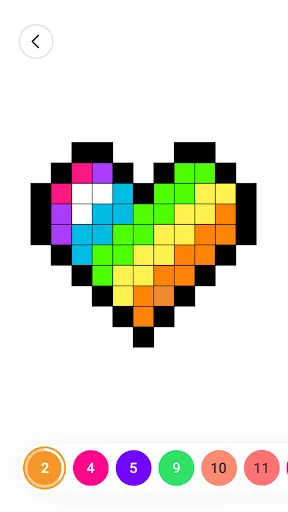
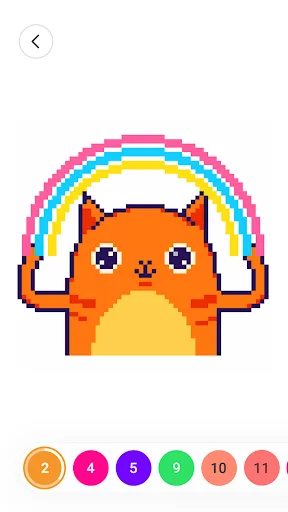
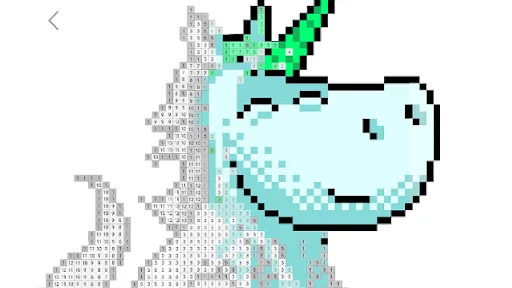
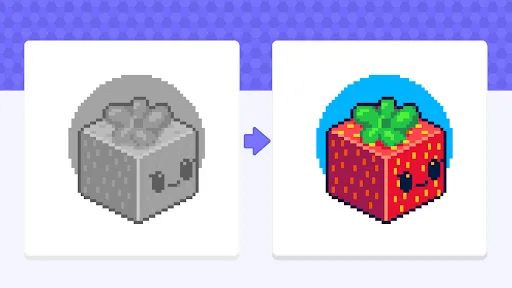
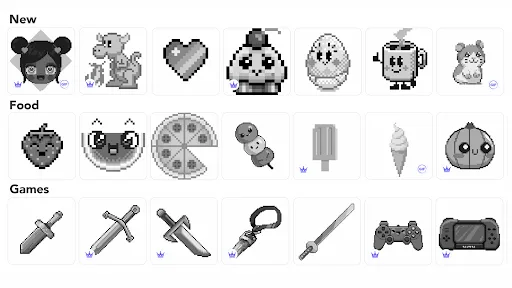
About this game
Game Overview
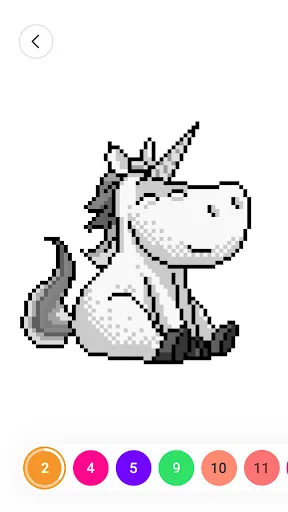
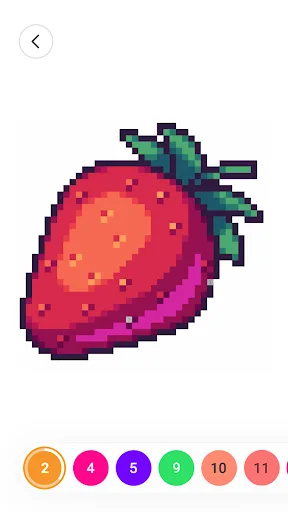
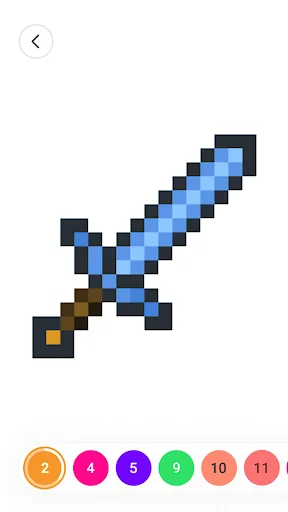
Color by Number: Coloring Games is a free mobile coloring app from Wildlife Studios that turns pixel art into a low-pressure, tap-by-tap pastime. The core loop is straightforward: select an image, match numbered sections to colors, and gradually fill in the picture until it is complete. The official description also points to imported photos, camera capture, and community sharing, which gives the app a more personal angle than a standard coloring book. In practice, it sits between casual puzzle app and digital sketchbook, with short sessions that can be as brief or as extended as the player wants. The presentation is rooted in pixel art and sandbox-style drawing, so the appeal comes less from artistic freedom than from the rhythm of methodical completion. With over 100 million installs and a large volume of ratings, it is clearly established, though its appeal will depend on how much patience the player has for repetitive, calming tasks.
Core Gameplay Features
- Numbered Coloring Images are divided into numbered sections that are filled by matching the correct color. That structure keeps the loop easy to understand and makes progress visible as each area is completed.
- Pixel Art Library The store description emphasizes a large range of pixel art images drawn from different themes and cultures. This variety helps the app avoid feeling like a single repeated template.
- Photo Importing Players can import pictures from a gallery or take a photo to create custom color-by-number pieces. That feature adds a personal layer without changing the basic tap-to-fill format.
- Painting Tools The app includes multiple tools for coloring and drawing, which can make the process feel a little less mechanical. The description suggests utility rather than deep creative software.
- Community Sharing Finished images can be shared with a community of other users. This gives the app a social angle, even though the core activity remains solitary and repetitive.
What Makes It Stand Out
Among mobile coloring apps, this one stands out mostly through scale and flexibility. It combines a huge install base with user-generated input and community features, which suggests a long-running product rather than a one-off novelty.
- Large Audience More than 100 million installs and over 419,000 ratings point to a widely used app with a substantial track record. That level of feedback gives prospective players a clearer sense of stability.
- Personalized Artwork The ability to import photos or use the camera makes the app more personal than a fixed image book. It supports a looser, more customized play pattern.
- Cross-Platform Support The app is available on both Android and iPhone, which makes it easy to pick up across the two main mobile ecosystems. The current listings also show recent updates on both stores.
Things to Know Before Playing
This is a free app with broad appeal, but the practical tradeoffs are worth noting. Its relaxed structure suits short sessions, yet the repetitive nature of number filling will not suit everyone, and the free-to-play model usually comes with monetization pressure.
- Free-To-Play Monetization The game is free on both stores, so in-app purchases or ads are the likely tradeoff. That is common for this kind of coloring app and worth expecting before installation.
- Small Age Barrier The app is rated Everyone on Google Play and 4+ on the App Store. That makes it broadly suitable for families, with little content concern from the store ratings alone.
- Storage Planning The App Store lists a size of about 243 MB, while Google Play does not show a size in the supplied metadata. Extra free space for updates and cache is sensible, especially on older phones or tablets.