
Bluey: Let's Play!
Budge Studios
A calm Bluey playground built around pretend play, coloring, and simple household activities
The design centers on open-ended interaction inside a familiar setting. Rather than pushing a score chase, it invites repeated small actions, discovery, and pretend play, which makes the loop easy to understand but also fairly lightweight.
Download Bluey: Let's Play!
| Category | Casual |
| Installs | 50,000,000+ |
| Version | 2026.5.0 |
| Updated | Apr 29, 2026 |
About this game
Game Overview
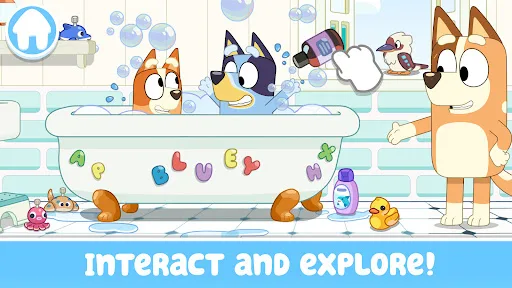
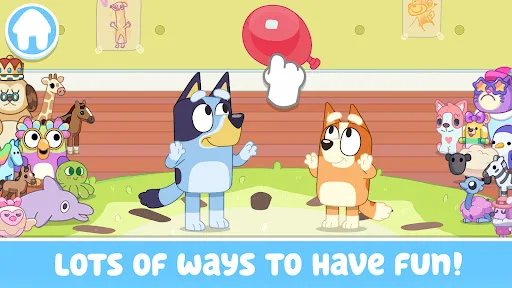
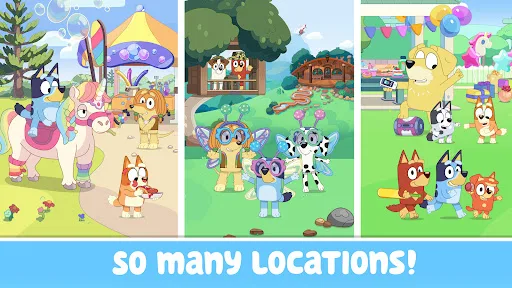
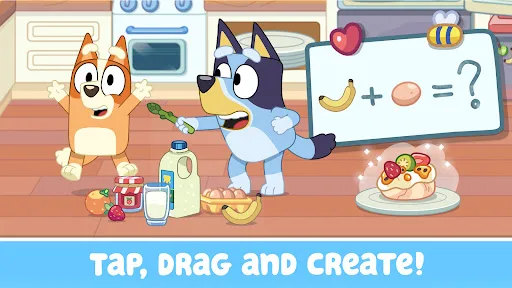
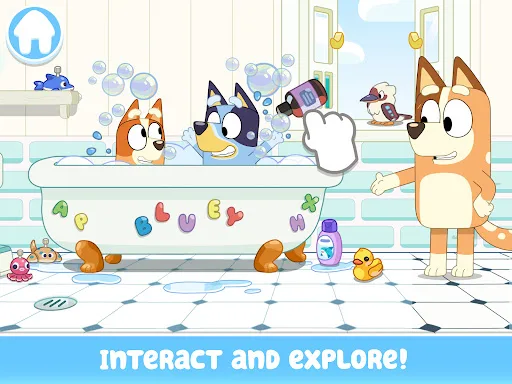
Bluey: Let's Play! is a casual children’s app from Budge Studios that turns the Heeler family home into a digital playset. It is built around short, low-pressure interactions rather than goals or failure states. Players tap, drag, and explore rooms, then trigger small activities such as cooking, building, coloring, or playing simple backyard games. The result is less a structured game than a safe, guided pretend-play space based on the TV series.
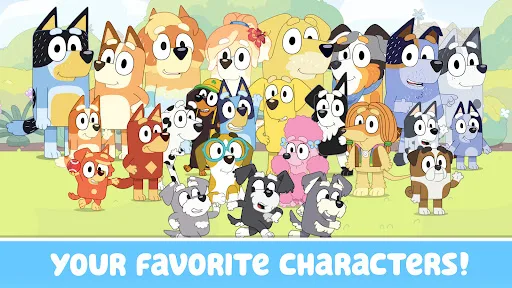
The presentation is colorful and familiar to fans of the show, with Bluey, Bingo, Bandit, Chili, and other characters appearing as part of the house-based setup. That makes it especially recognizable for preschool and early elementary audiences, while the calm pace and simple controls also suit family co-play. With over 50 million installs on Android and a 4.3-star average from more than 210,000 ratings, it is one of Budge’s more established branded kids apps.
Core Gameplay Features
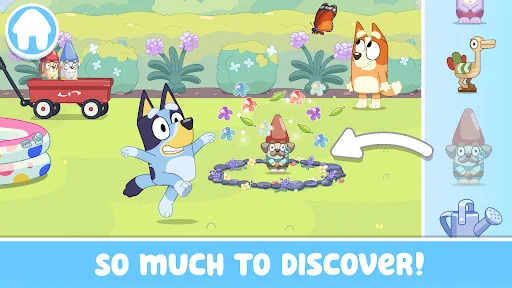
- House Exploration The Heeler home acts as the main play space, with rooms and backyard areas to tap through. Exploration is the primary loop, and hidden surprises give the setting some repeat value.
- Simple Mini Activities Small tasks like keepy-uppy, trampoline bouncing, bubble baths, and backyard swings provide quick bursts of interaction. These activities are built for short sessions rather than long progression.
- Pretend Play Tools The game encourages children to invent stories or recreate moments from the show. Tap-and-drag interaction makes the house feel like a toy box instead of a traditional level-based game.
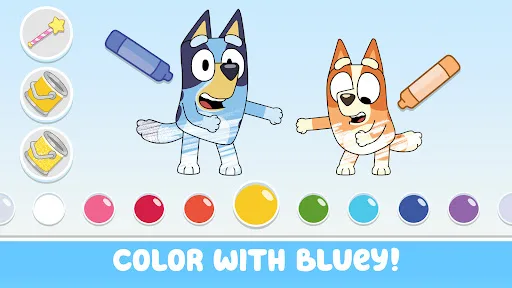
- Coloring Content Coloring pages and scene coloring add a quieter creative layer. This gives the app another repeatable activity for players who want something slower than the movement-based play.
- Family-Friendly Design The description frames the app as safe and easy for very young children, with parents able to join in. That positioning matters because it clearly targets guided, shared play.
What Makes It Stand Out
Among licensed kids apps, this one stands out less for complexity than for how closely it mirrors the tone of the TV series. It leans on familiar characters, house-based play, and low-friction interaction rather than menus or competitive systems.
- Strong Brand Recognition The Bluey license gives the app immediate familiarity for families already watching the show on YouTube, YouTube Kids, or Disney+. That can matter more here than mechanical depth.
- Large User Base More than 50 million Android installs and over 210,000 ratings suggest broad reach and a well-tested audience fit. The numbers also give a clearer signal than a brand-new children’s app could.
- Cross-Platform Availability It is available on both Android and iPhone or iPad, which makes it easier to install across mixed-device households. The App Store listing also shows a current 4+ age rating.
Things to Know Before Playing
This is a free children’s app, but the store description notes that some content requires a paid subscription. The practical tradeoff is simple: the base experience is accessible, while the full set of activities may be gated.
- Subscription Gating The app is free to install, but some content sits behind a paid subscription. Families should expect the usual free-to-play limits before assuming everything is unlocked.
- Young Child Audience The content rating is Everyone on Google Play and 4+ on the App Store. That makes it suitable for preschool and primary-school children, with parental guidance still sensible for in-app spending.
- Storage Planning The App Store size is about 174 MB, and Android size is not listed. Allow extra free space for updates and cache, since children’s apps often grow over time.
You may like
Candy Crush Saga
King
My Talking Tom
Outfit7 Limited
Pou
Zakeh
My Talking Tom 2: Pet Game
Outfit7 Limited

Homescapes
Playrix
Gardenscapes
Playrix
Township
Playrix

Minion Rush: Running Game
Gameloft SE
Candy Crush Soda Saga
King
My Talking Tom Friends
Outfit7 Limited
My Talking Angela 2
Outfit7 Limited
Hay Day
Supercell
Coin Master
Moon Active
Farm Heroes Saga
King
Angry Birds 2
Rovio Entertainment Oy